Turn a photo into a LEGO® mosaic
Drop a photo, pick a size and a palette: the tool builds the mosaic in 1x1 round tiles, lists the parts per colour and finds the LEGO® Art sets that contain them.
One photo, a few settings, and you get your portrait in 1x1 round tiles with the exact list of parts to collect. Everything runs in your browser, nothing is uploaded.
Or try a demo photo:
Framing (drag to move)
Parts list (1x1 round tile, part 98138)
How it works
- Drop a well-contrasted photo, tightly framed on the subject: a face, a pet, a logo.
- Choose the size: 48 x 48 studs matches a full LEGO® Art canvas, 38.4 cm (15.1 in) wide.
- Pick a palette. The Art palette uses the 16 tile colours most common in the sets.
- Adjust the framing, contrast and dithering, then download the image and the parts list.
Tips for a good mosaic
- A plain background and a contrasted subject read well from 32 x 32 studs.
- Dithering smooths skin tones but blurs flat areas: switch it off for a logo.
- Limiting the palette to 5 or 6 colours means fewer parts to buy and a more graphic look.
Where to find the tiles
LEGO® Art sets supply thousands of 1x1 round tiles (part 98138) sorted by colour, plus the 16 x 16 plates and the frame. The tool shows the sets that best cover your mosaic. Missing colours can be ordered individually on Pick a Brick or from a BrickLink seller using the exported XML file. See all LEGO® Art sets
Frequently asked questions
What size should a LEGO® mosaic be?
A LEGO® Art canvas is 48 x 48 studs: 2,304 tiles on nine 16 x 16 plates, 38.4 cm wide. A portrait is recognisable from 48 x 48; a simple logo works at 32 x 32.
How many tiles do I need?
The tile count is the square of the size: 1,024 for 32 x 32, 2,304 for 48 x 48, 4,096 for 64 x 64 and 9,216 for 96 x 96. The tool breaks it down per colour.
Which LEGO® part should I use?
The 1x1 round tile (part 98138) is the part used in LEGO® Art sets. The 1x1 round plate (part 6141 or 4073) gives the same look with a visible stud, and the 1x1 square tile (3070b) a smooth finish.
Is my photo uploaded to a server?
No. Everything is computed in your browser: the photo never leaves your device.
See all LEGO® Art sets
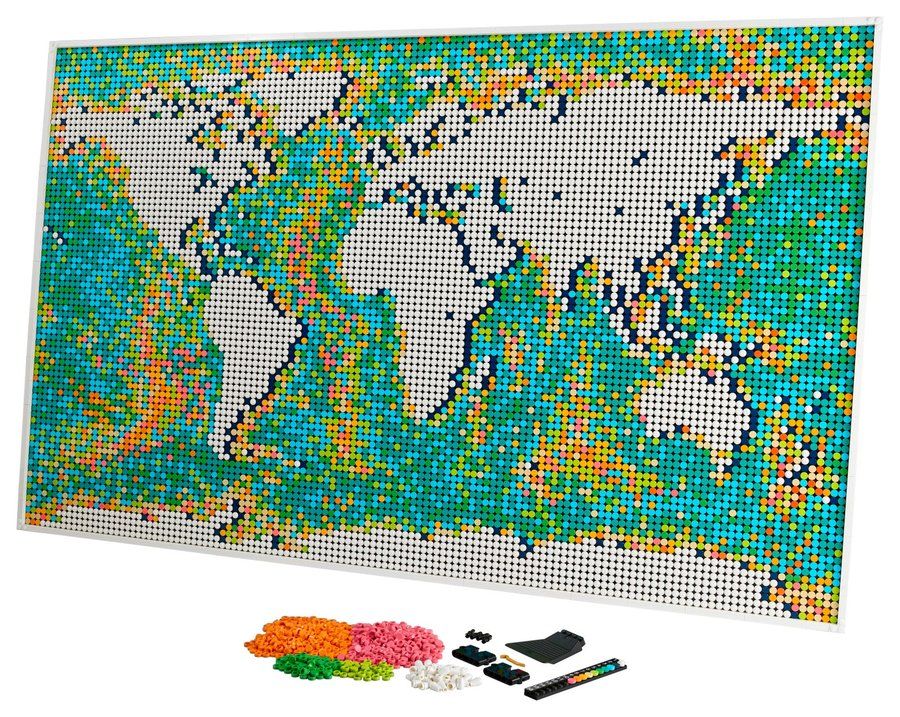 31203World Map2021 · 11,695 piecesView the set
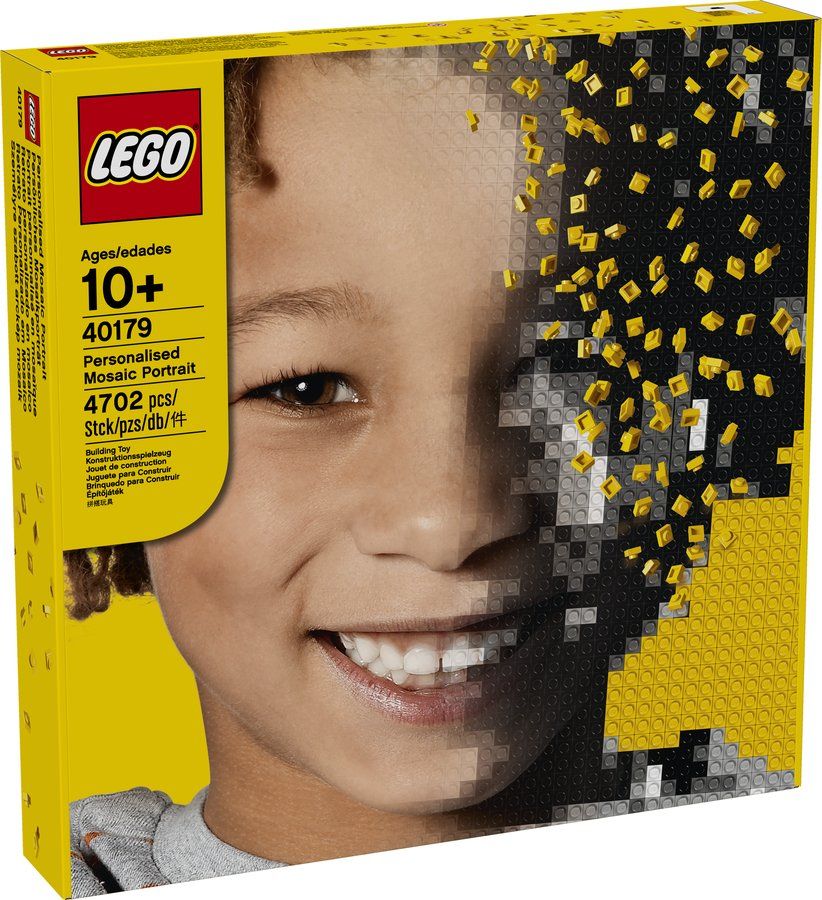 40179Personalised Mosaic Portrait2016 · 4,502 piecesView the set
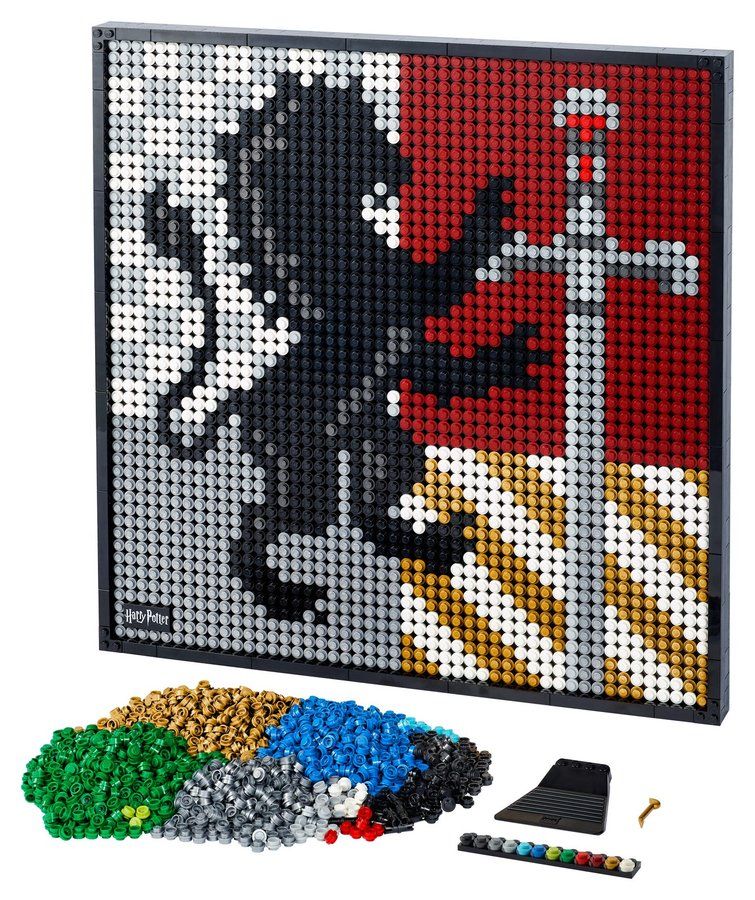 31201Harry Potter Hogwarts Crests2021 · 4,249 piecesView the set
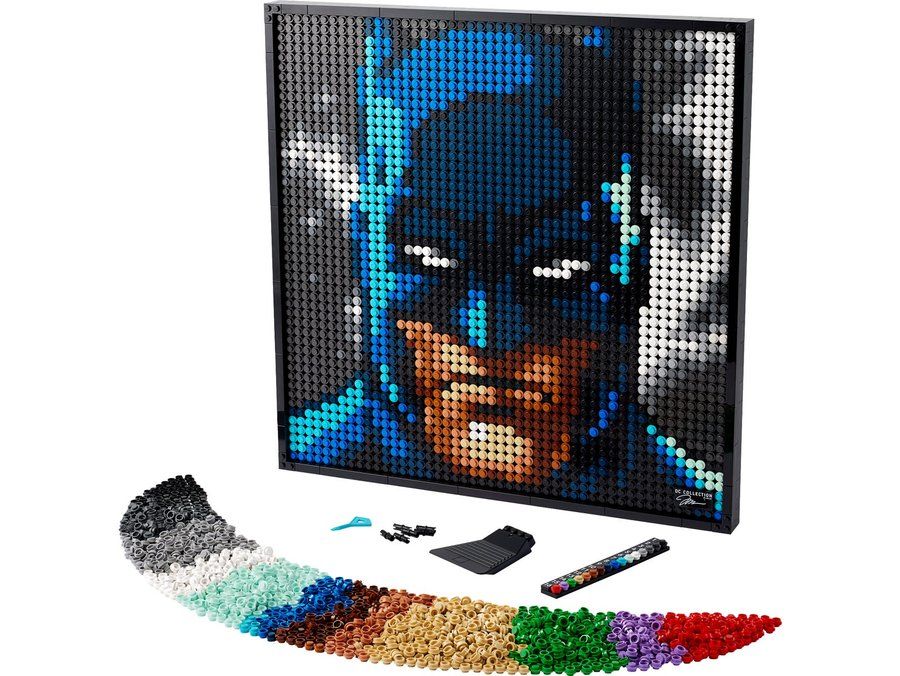 31205Jim Lee Batman Collection2022 · 4,167 piecesView the set
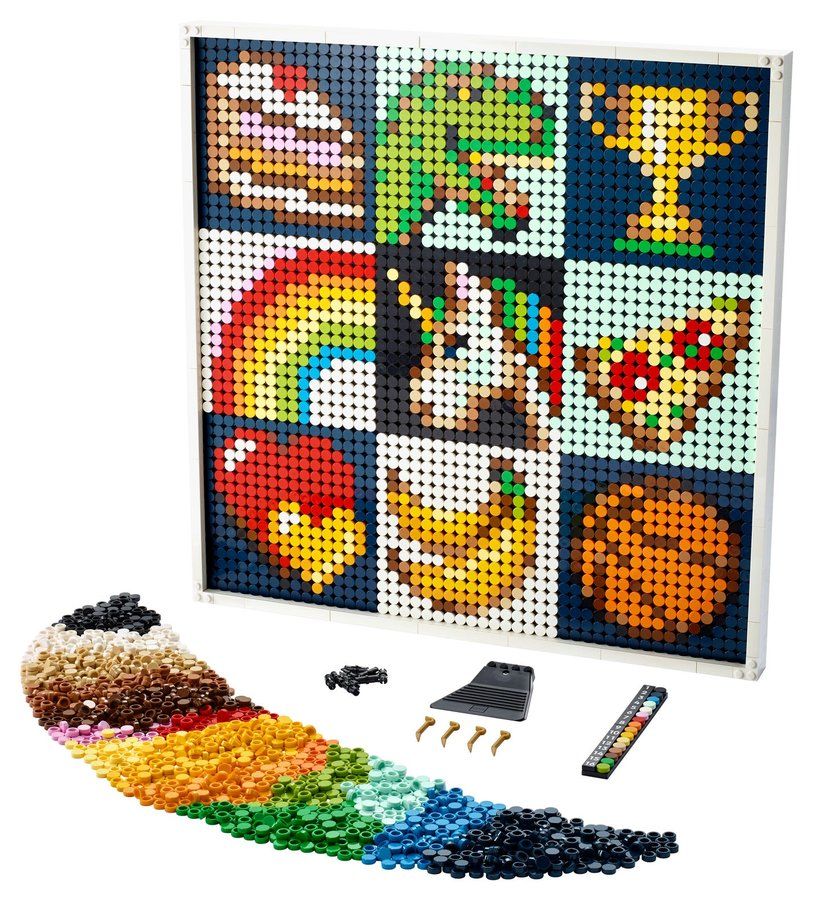 21226Art Project - Create Together2021 · 4,138 piecesView the set
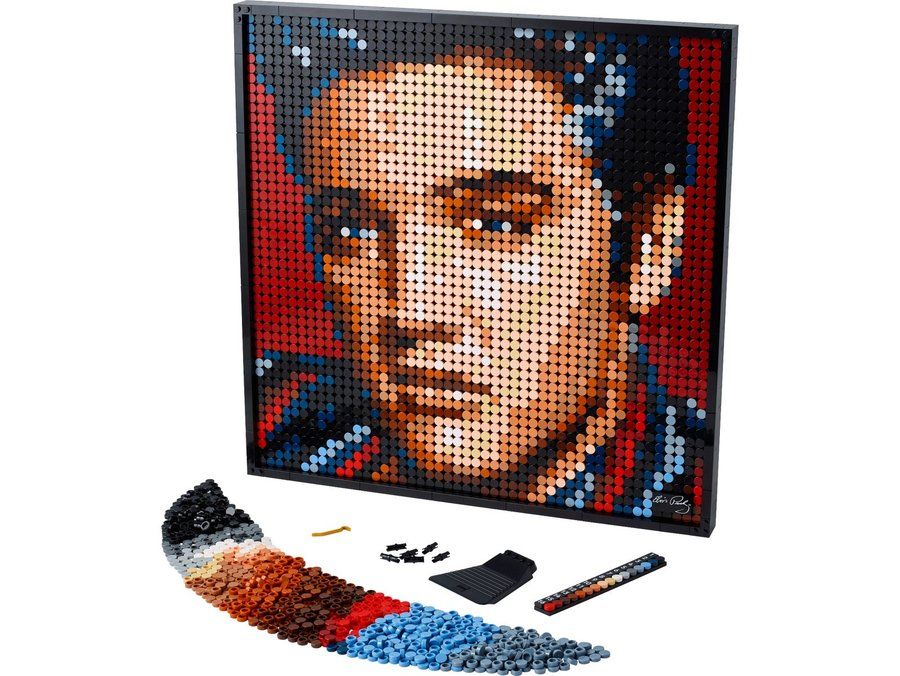 31204Elvis Presley – The King2022 · 3,445 piecesView the set
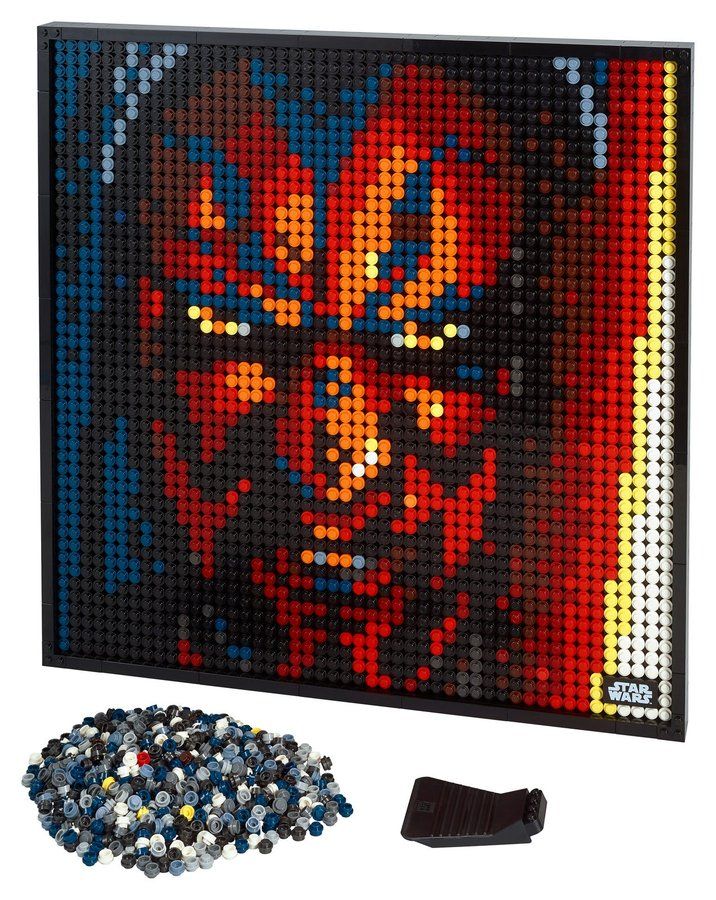 31200The Sith2020 · 3,406 piecesView the set
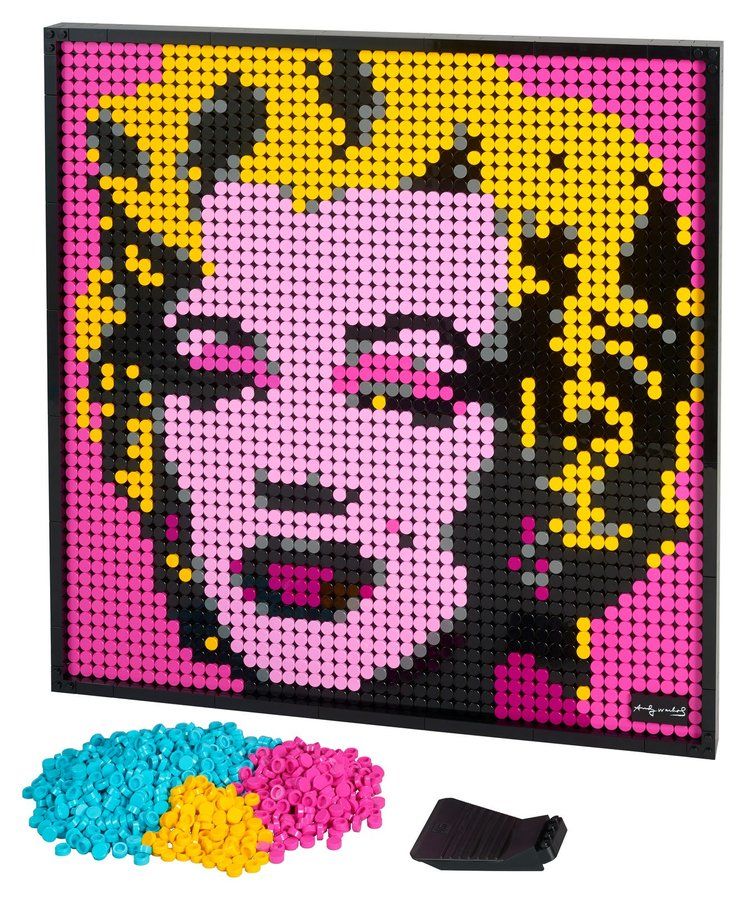 31197Andy Warhol's Marilyn Monroe2020 · 3,341 piecesView the set
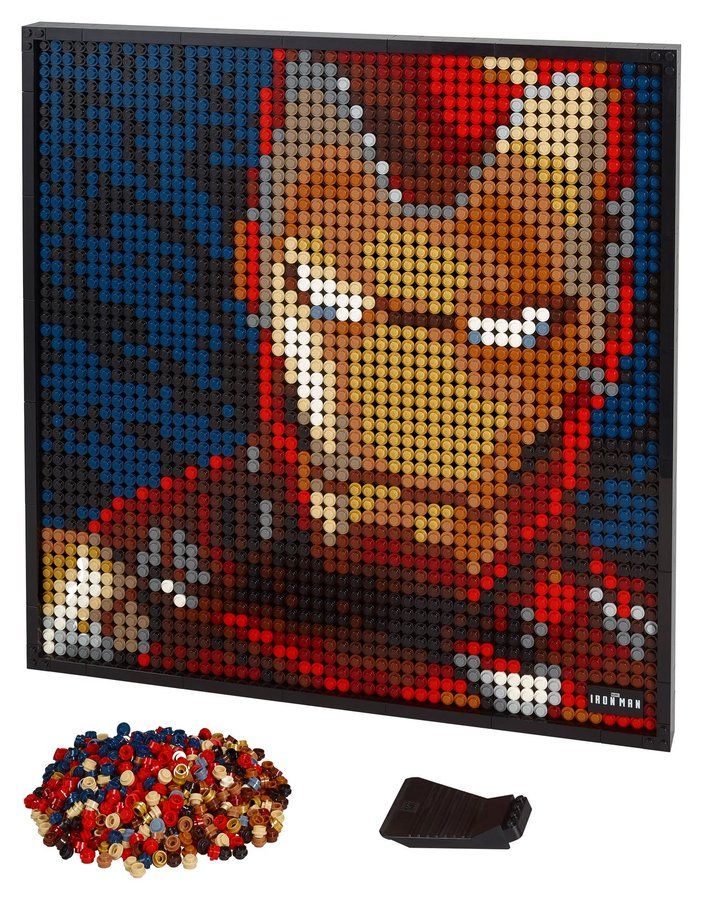 31199Marvel Studios Iron Man2020 · 3,167 piecesView the set
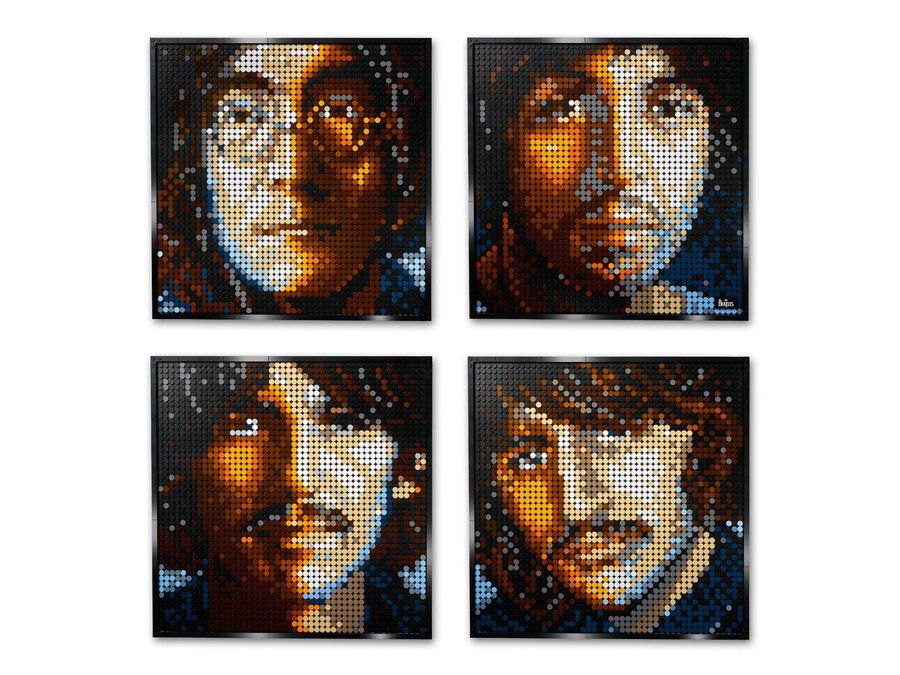 31198The Beatles2020 · 2,933 piecesView the set
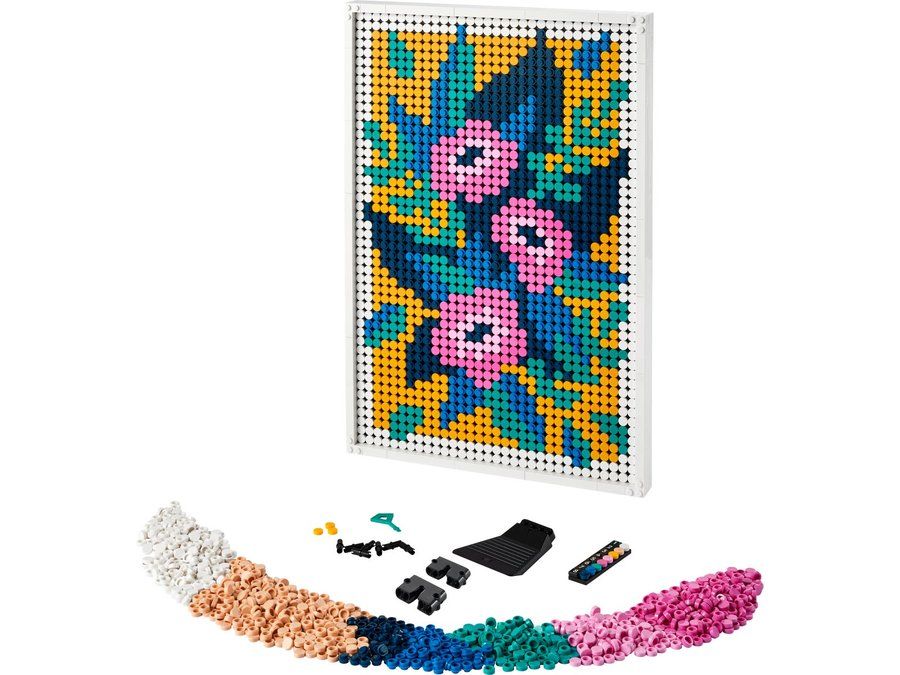 31207Floral Art2022 · 2,870 piecesView the set
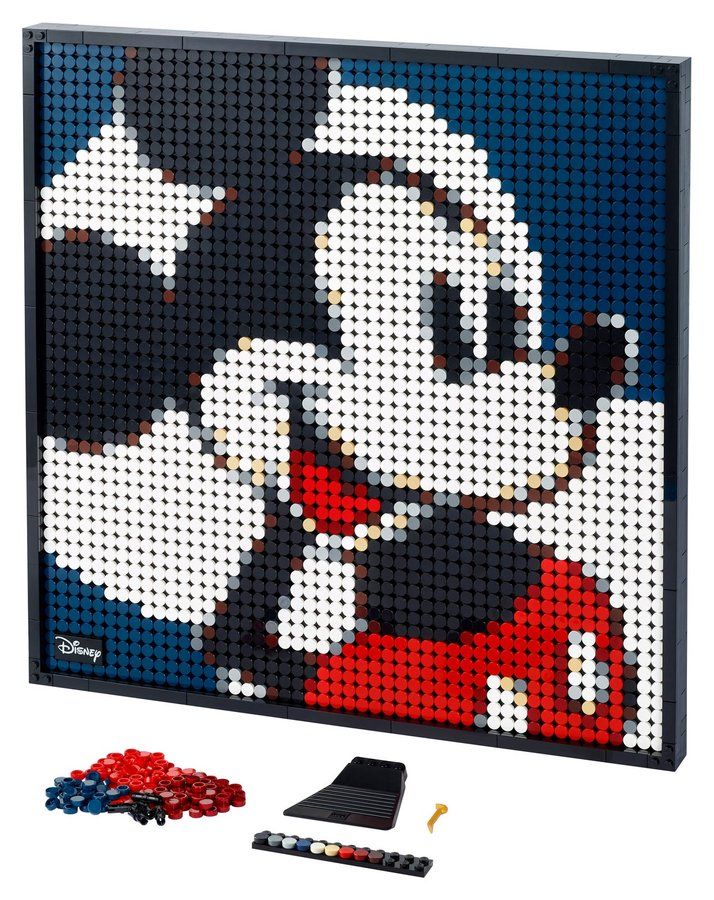 31202Disney's Mickey Mouse2021 · 2,658 piecesView the set